“Do not tell anyone. Read me the code.”
Field guide no. 01 / scam safety
One pause before the money leaves.
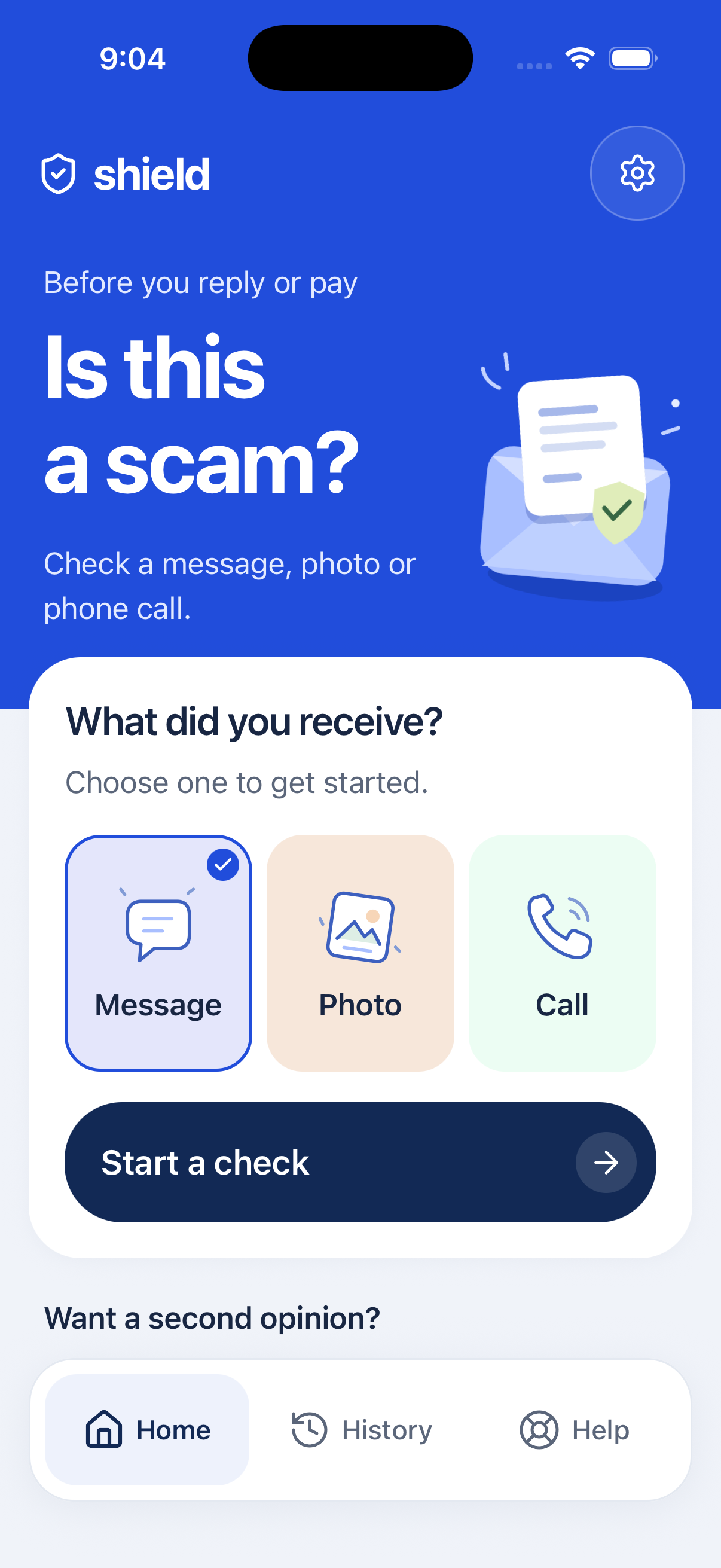
Shield Our Elders is a student-built app for older adults and the people who look out for them. It checks suspicious messages, screenshots, saved recordings and payment requests in plain language.
 most scams start ordinary
rule of thumb
If they rush you, stop.
Why this exists
Scammers do not need better tech. They need panic.
Did they ask for secrecy? Did they ask for a verification code?
Hang up. Call your trusted contact. Do not send money yet.
Sample check
It should explain the red flag, not just label it.
Seniors should not have to decode a score. The app gives the reason, then the next step.
Likely scam
It asks for private payment info.
Real prizes do not need your credit card number in a text.
What is inside
A few useful checks, kept short.
Message check
Paste a text or upload a screenshot.
Call questions
Money, secrecy, codes, threats, remote access.
Saved recordings
Review a transcript before responding.
Payment pause
Gift cards, crypto, wires, Zelle, Cash App, Venmo.

Trusted contact
The best safety feature is still another person.
Save a daughter, son, caregiver, neighbor, or bank number. When a call feels wrong, the app can help send:
“I received a suspicious call. Can you help me verify it?”
Practice
A few examples before the real thing.
Practice question
Your bank account is locked. Tap this link now to confirm your login.
Suspicious link. Call the bank from the card.Bring it to your group
Start with one safer decision.
Built for bigger text, fewer choices, and no shame if someone already clicked.
Email the project